Product specifications that answer buyer questions
Include dimensions, materials, tolerances, capacity, applications, packaging, lead time, and technical parameters. Structure specs so procurement teams can compare against RFQ requirements quickly.
Product SEO Resource
A focused guide covering product specifications, export documentation visibility, certification signals, MOQ and buyer intent, buyer-focused descriptions, schema markup, and inquiry optimization for export product pages.
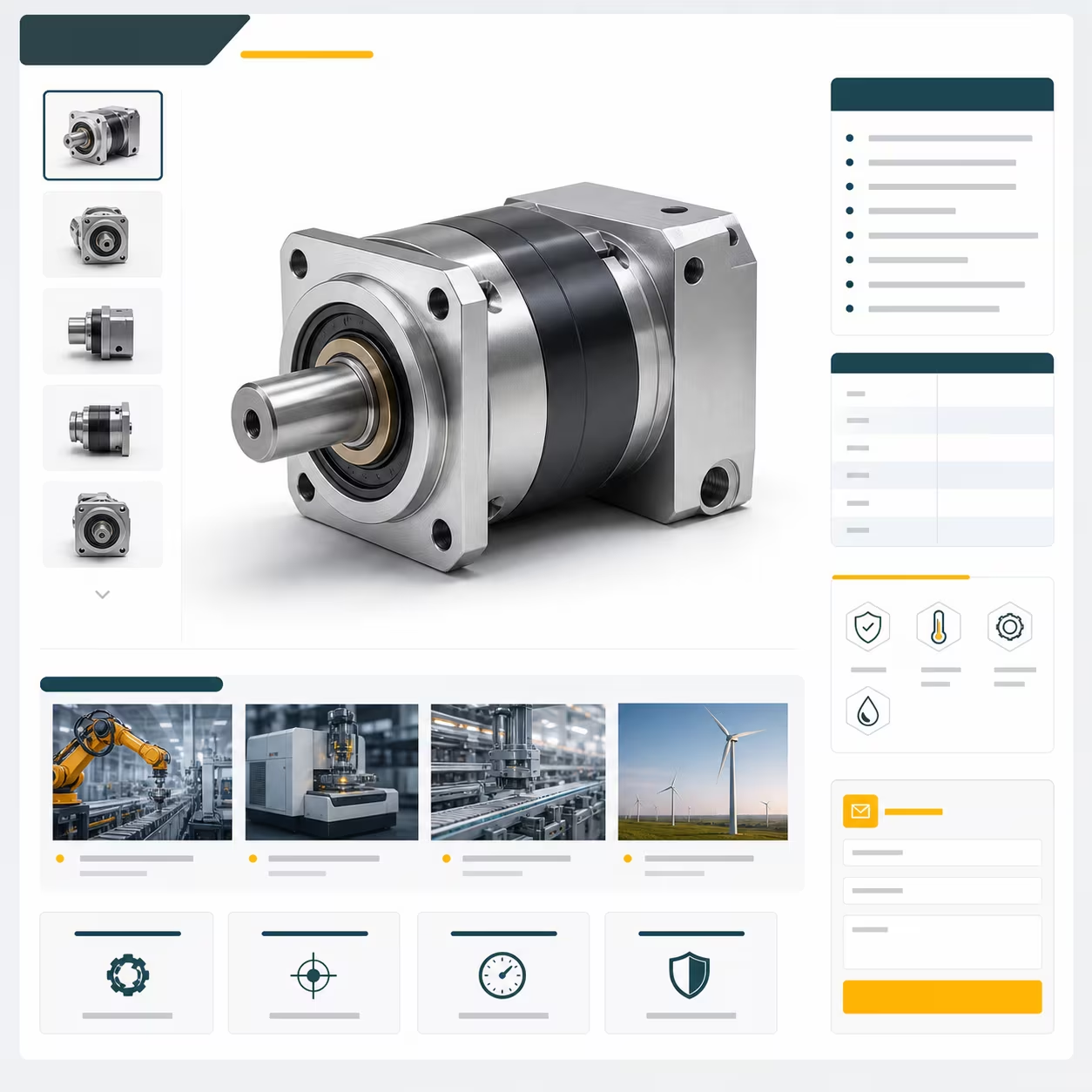
Include dimensions, materials, tolerances, capacity, applications, packaging, lead time, and technical parameters. Structure specs so procurement teams can compare against RFQ requirements quickly.
Make certifications, test reports, compliance documents, and quality-control processes visible on product pages. Link to downloadable or referenced proof where appropriate, and explain what each certificate covers for target markets.
Clearly state MOQ, sample policies, customization options, payment terms, and Incoterms. These signals help filter serious B2B buyers from casual browsers and reduce unqualified inquiries.
Implement Product schema with name, description, image, offers, and aggregate data if verified. Add FAQPage schema for buyer questions visible on the page. Place inquiry CTAs after specs and FAQ so buyers reach out with context.
Clear, buyer-focused specifications combined with visible certifications, MOQ, and a straightforward inquiry path. Buyers decide to contact you based on whether the page answers their technical and procurement questions.
Add Product schema on pages where specifications, descriptions, and images are verified and visible. Use FAQPage schema only for questions actually displayed on the page.
Place contact forms or quote buttons after specifications and FAQs. Ask for relevant details like quantity, destination, and requirements to help route inquiries efficiently.
Group minor variants on one canonical product page with a crawlable variant table or selector, and create separate pages only when a variant has distinct search intent such as a different capacity or application. Use canonical tags for near-duplicate variants and keep unique descriptions and spec fields per variant to avoid thin or duplicate pages.
Enter one URL and run your first free audit.
Start Free